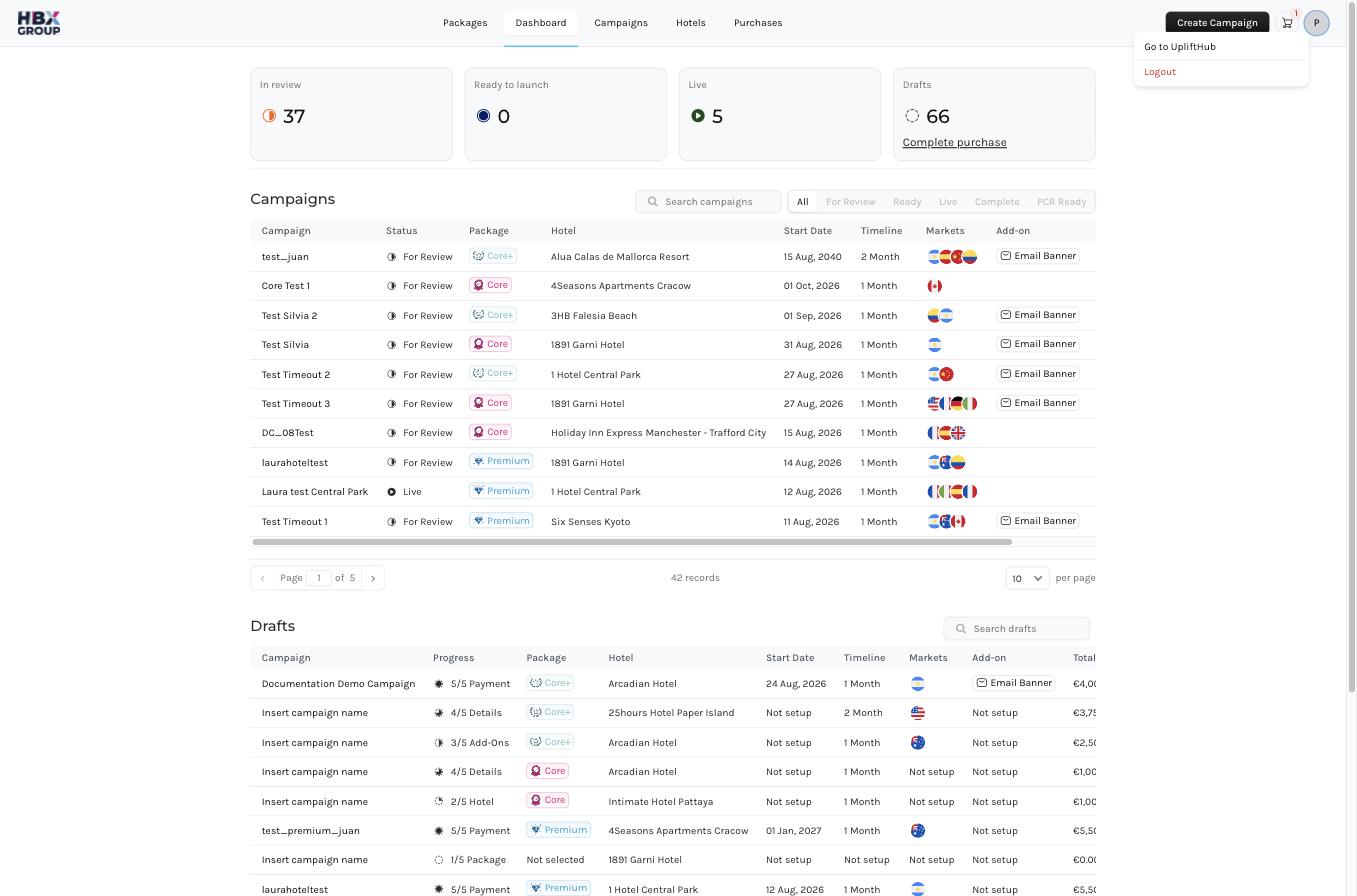
Once you’re signed in, everything is reachable from the bar across the top of every screen. The left side holds the main sections; the right side holds the button, your cart, and your profile menu.
ItemWhat it does
PackagesThe landing page for advertising packages — compare Core, Core+ and Premium, see add-ons, and explore the available ad formats.
DashboardYour at-a-glance summary of campaign activity and performance.
CampaignsEvery campaign you’ve created, with its package, hotel, markets and status.
HotelsThe properties available to you for promotion.
PurchasesYour order history — submitted carts and the invoices raised against them.

Top-right actions

ControlWhat it does
Opens the five-step campaign wizard. See Creating a campaign.
CartShows how many campaigns are waiting to be ordered. Click it to review your Shopping Cart.
ProfileYour account menu — sign out and account settings.
The quickest way to start is the button in the top right — it’s available from every screen.
Screenshot coming soon.