1
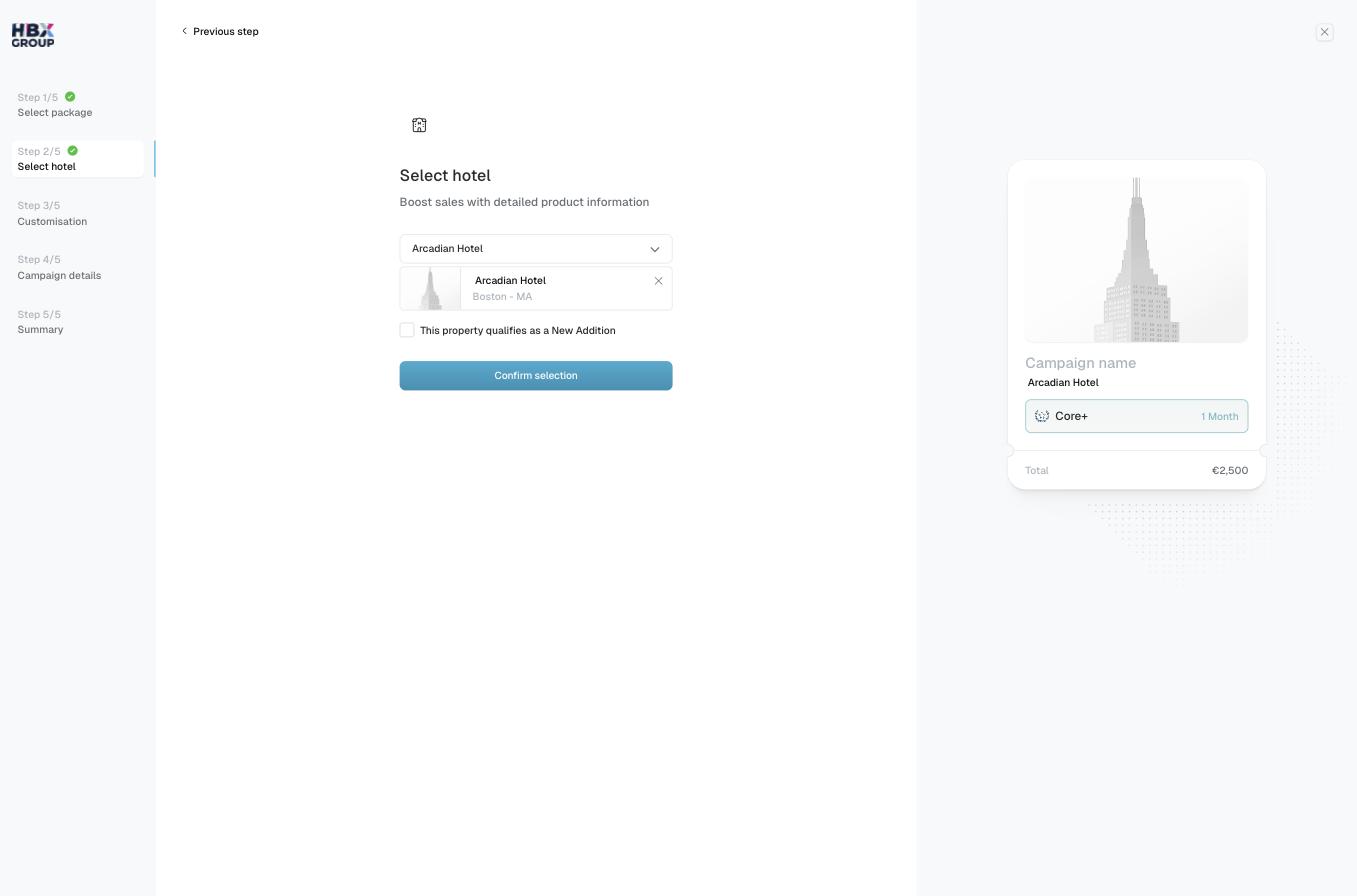
Open the hotel selector
Click the Select… dropdown and choose the property you want to promote. The selected hotel appears below with its name and district.
2
Flag a New Addition (optional)
Tick This property qualifies as a New Addition if it applies to your hotel.
3
Confirm
Click to continue to customisation.
Not sure whether your property qualifies as a New Addition, or can’t find your hotel in the list? Check with your account manager — see Get help.