Registering a new account
1
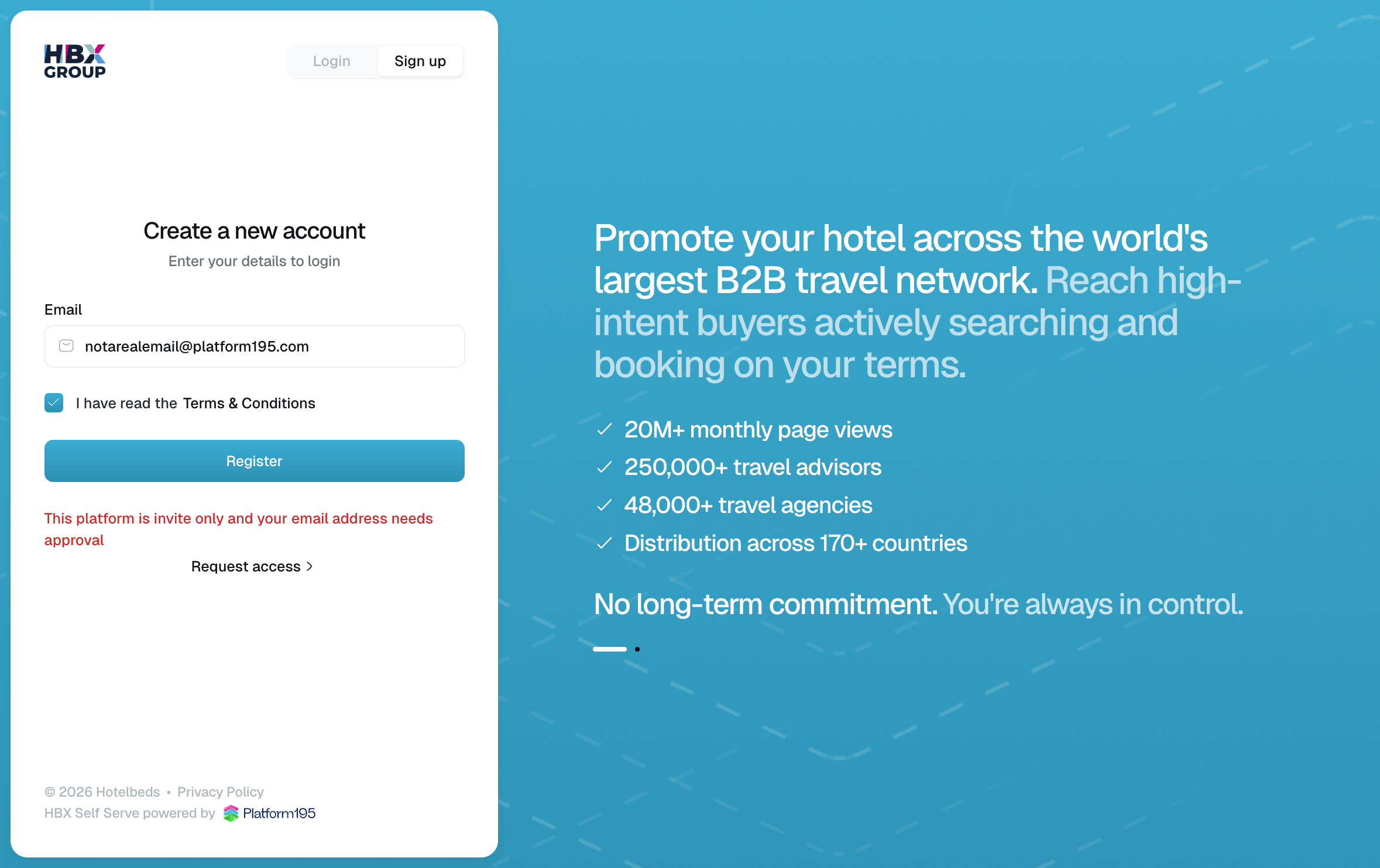
Open the sign-up screen
Go to the portal and select the tab at the top of the login panel.
2
Open the sign-up screen
Go to the Self Serve App and select the tab at the top of the login panel.
3
Enter your details
Provide your Email. Tick I have read the Terms & Conditions to continue.
4
Register
Click You will be sent an email to set your password and complete your registration.
Signing in
1
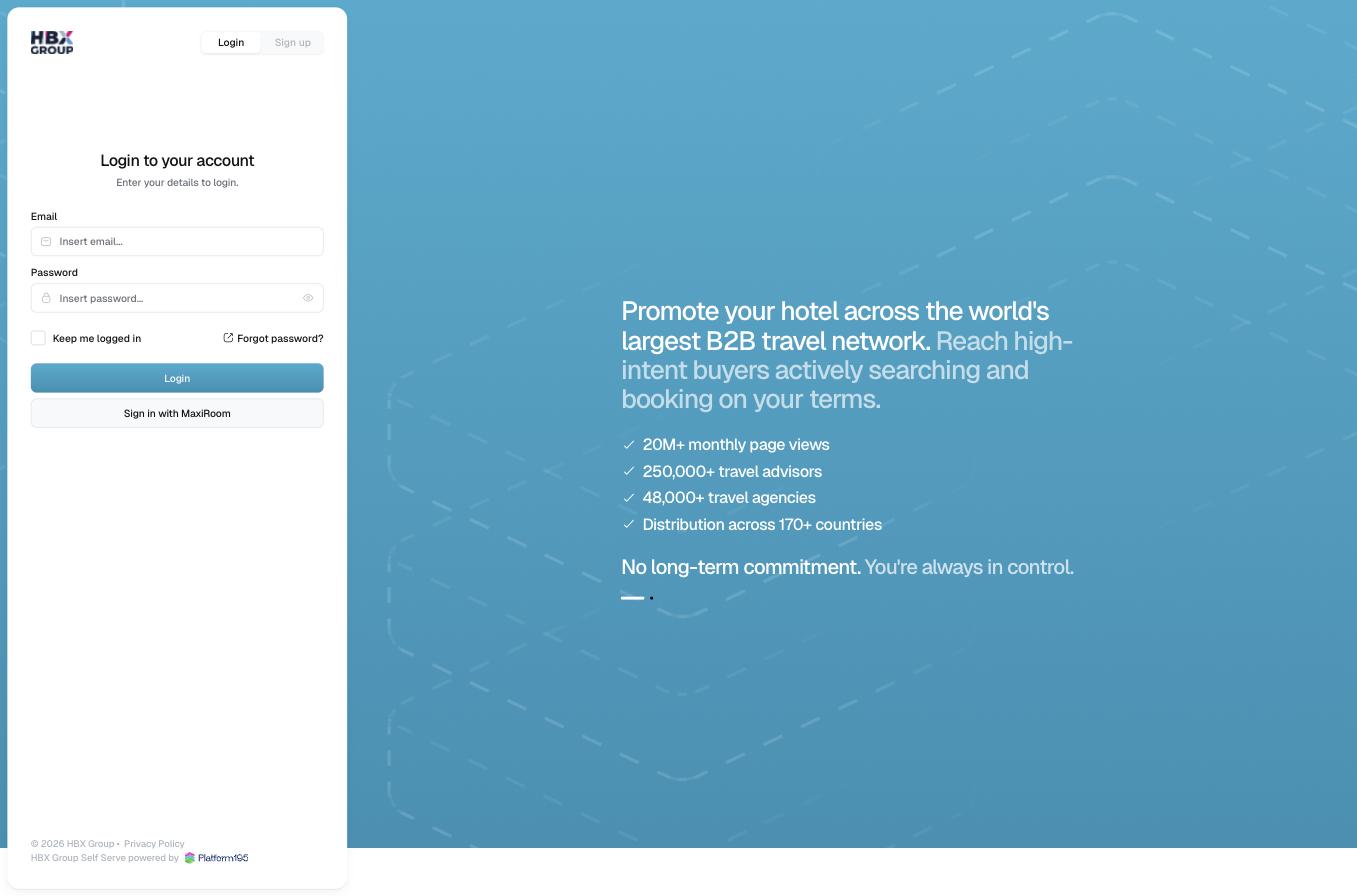
Open the login screen
Go to the portal and make sure the tab is selected.
2
Open the login screen
Go to the Self Serve App and make sure the tab is selected.
3
Enter your credentials
Enter your Email and Password. Tick if you’re on a trusted device.
4
Log in
Click You can also use if single sign-on is enabled for your organisation.