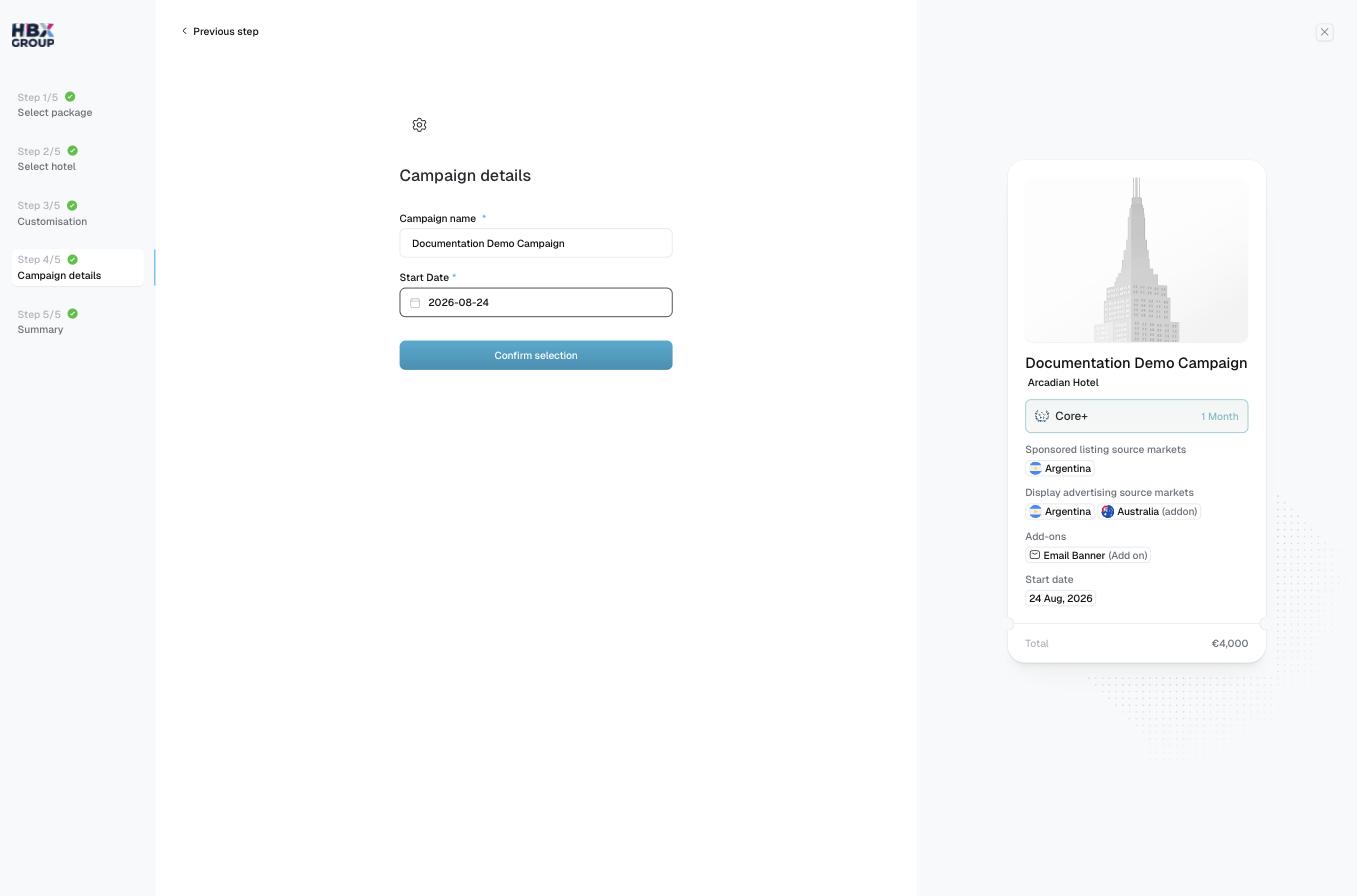
The five steps
1
Select package
Choose your timeline and package — Core, Core+ or Premium. See Select package.
2
Select hotel
Pick the property this campaign promotes. See Select hotel.
3
Customisation
Choose your source markets and any add-ons. See Customisation.
4
Campaign details
Name the campaign and set its start date. See Campaign details.
5
Summary
Review the full price breakdown, then add to cart or check out. See Summary.
The live preview card
Throughout the wizard, the card on the right shows the campaign as it’s shaping up — the selected hotel, package and timeline, your source markets, any add-ons, the start date, and the running Total. Use it to sanity-check your choices before moving on.