> ## Documentation Index
> Fetch the complete documentation index at: https://hbx-docs.uplifthub.io/llms.txt
> Use this file to discover all available pages before exploring further.
# Navigation
export const Ui = ({children}) =>
{children}
;
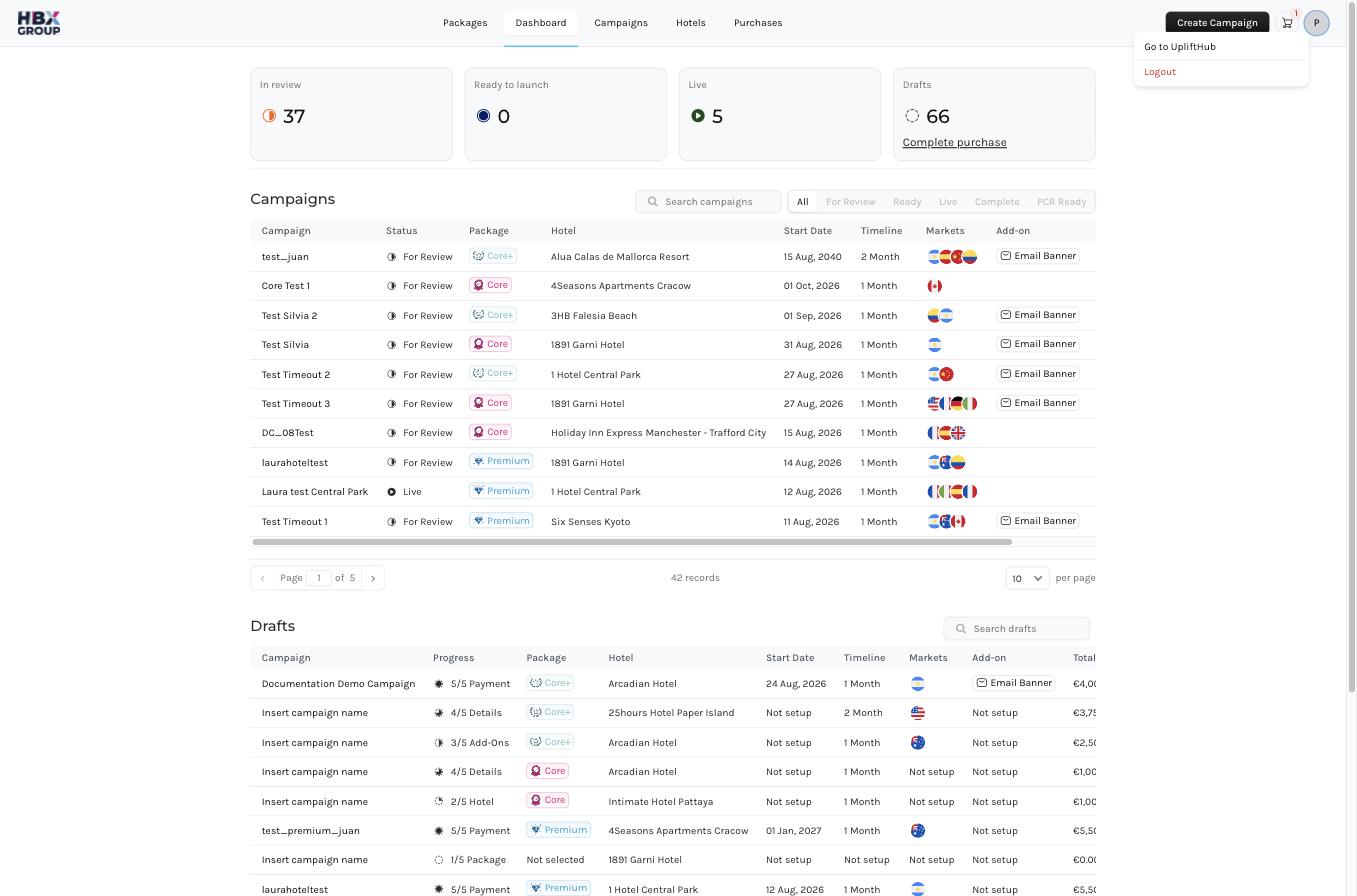
Once you're signed in, everything is reachable from the bar across the top of every screen. The left side holds the main sections; the right side holds the Create Campaign button, your cart, and your profile menu.
## Main navigation
| Item | What it does |
| ------------- | ------------------------------------------------------------------------------------------------------------------------------- |
| **Packages** | The landing page for advertising packages — compare Core, Core+ and Premium, see add-ons, and explore the available ad formats. |
| **Dashboard** | Your at-a-glance summary of campaign activity and performance. |
| **Campaigns** | Every campaign you've created, with its package, hotel, markets and status. |
| **Hotels** | The properties available to you for promotion. |
| **Purchases** | Your order history — submitted carts and the invoices raised against them. |
## Top-right actions
| Control | What it does |
| ------------------------ | --------------------------------------------------------------------------------------------------------------------- |
| Create Campaign | Opens the five-step campaign wizard. See [Creating a campaign](/campaigns/create-campaign). |
| **Cart** | Shows how many campaigns are waiting to be ordered. Click it to review your [Shopping Cart](/checkout/shopping-cart). |
| **Profile** | Your account menu — sign out and account settings. |
The quickest way to start is the Create Campaign button in the top right — it's available from every screen.